Toodledo
 An easy to use, online to-do list. Get organized, stay motivated, and be more productive.

Toodledo on the iPhone™ and iPod touch®

Get Toodledo on your iPhone / iPod touch Toodledo iPhone App Available on the App Store

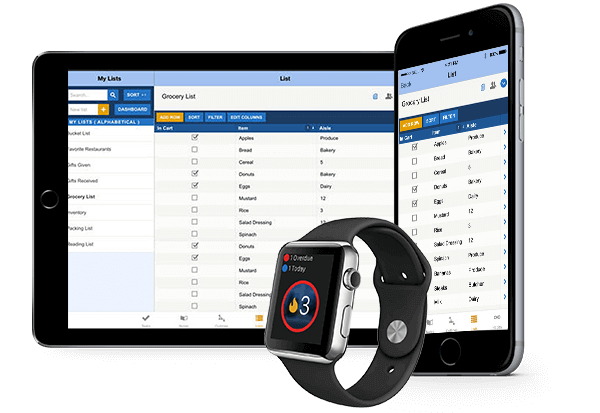
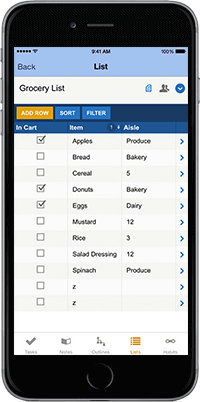
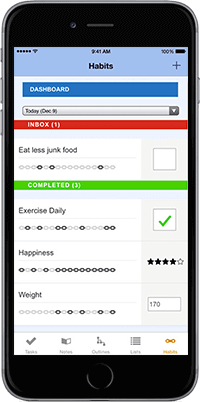
Toodledo is now available as a native application on your iPhone. You can use it as a standalone application, or you can have it seamlessly synchronized with Toodledo.com, so you will always have access to your important tasks, even when you don't have an internet connection.

Toodledo is flexible enough to work with many different styles of list management. You can use the popular GTD methodology, or you can use your own system. You can keep things simple, or you can add as much complexity as you need. Keeping track of your to-do list has never been easier.

Macworld 4.5 mice rating"...the most impressive element of Toodledo; somehow, it doesn't feel like "settings overload"-I feel fully empowered to customize the app to match exactly my desired workflow."


New:
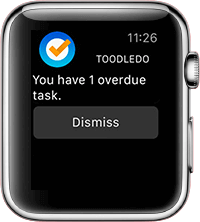
  • Get audible alarms for tasks that are due soon, using Apple's Push Network for remote notifications.
    • For instructions on setting up remote notifications, please read this help page.
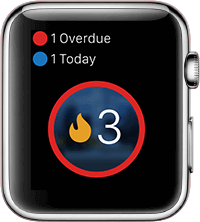
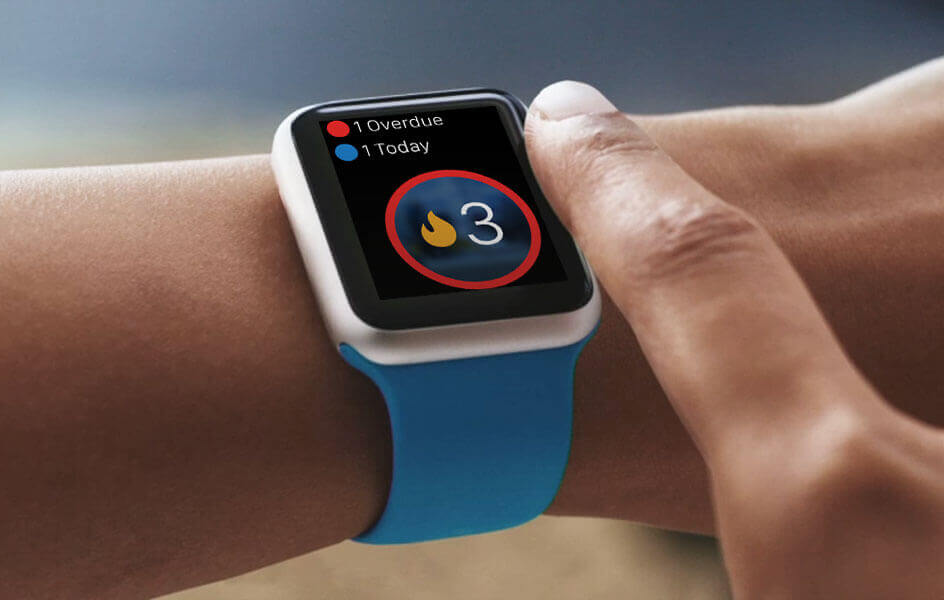
  • Have your application badge update throughout the day as the number of remaining tasks to complete changes.
Toodledo iPhone
With Toodledo on the iPhone you can:
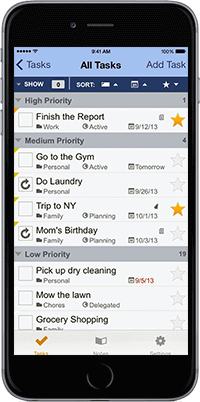
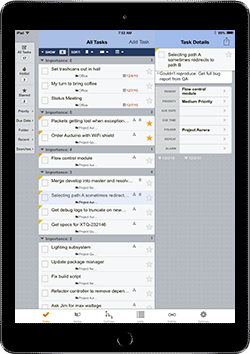
  • Track the priority, start date, due date, time, length or status of a task.
  • Assign the task to a folder, context or goal.
  • Flag the task with a visual star or tag it with keywords.
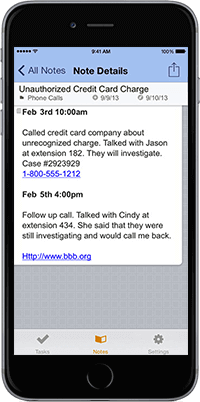
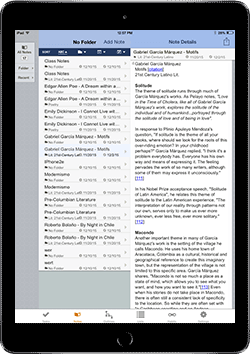
  • Add a free-form note to your task.
  • Create tasks that repeat on a schedule of your choosing.
  • Search through your tasks to quickly find the ones that you want.
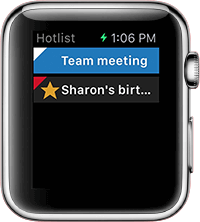
  • Quickly find important tasks with the "Hotlist". This smart to do list is automatically populated with important tasks based on priority and due date.
  • Drill down into your to do lists by a variety of useful criteria. For example, if you want to see all the overdue tasks, just go into the "Due Dates" to do list and select "Overdue".
  • Apply filters to your todo lists to hide unimportant tasks.
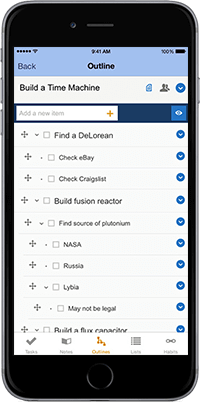
  • Pro subscribers who use subtasks will have full access to subtasks on the iPhone.
  • Securely sync your todo list with Toodledo.com

Toodledo iPhone Toodledo iPhone

If you already have a bunch of tasks in another PDA or application, you can quickly import everything into Toodledo using our import tools. There is even a third party tool that will allow you to synchronize your tasks with Outlook (learn more here).

Toodledo iPhone Toodledo iPhone

Available on the App Store Download Hereexternal link


Other iPhone Options

If you don't want to download our iPhone app, our regular website will work on your iPhone or iPod touch, and we also have an optimized version that will reduce the amount of zooming and panning that you need to do. Just point your iPhone or iPod touch at the following address:

http://www.toodledo.com/slim

There are also third party iPhone / iPod touch applications that will synchronize with Toodledo and allow you to work offline.

An application called Todoexternal link is available from Appigoexternal link. Appigo also has an iPhone app called Notebookexternal link that will synchronize your Toodledo Notebook for offline mobile access to all of your important notes.

A company called WebISexternal link has made an iPhone app called Pocket Informantexternal link


Apple, the Apple logo, iPod and iTunes are trademarks of Apple Inc., registered in the U.S. and other countries. iPhone is a trademark of Apple Inc.


Home | Help | About | Learning Center | Forums | Contact Us | News | Privacy | Terms | Developer's API | Copyright © 2009